
Photo mosaic maker for your memories
Rebuilt from your own photos, your words, or cut stone — watch it come together, live.
Free to start · no credit card · your photos stay private
Look closer
Every tile is a real photograph. Zoom into a finished piece — or watch one come together.
Reel
Prefer to make it on your phone?
Made to be displayed
A finished mosaic is a real piece of art — for the living room, as a gift, or printed big enough to fill a wall.
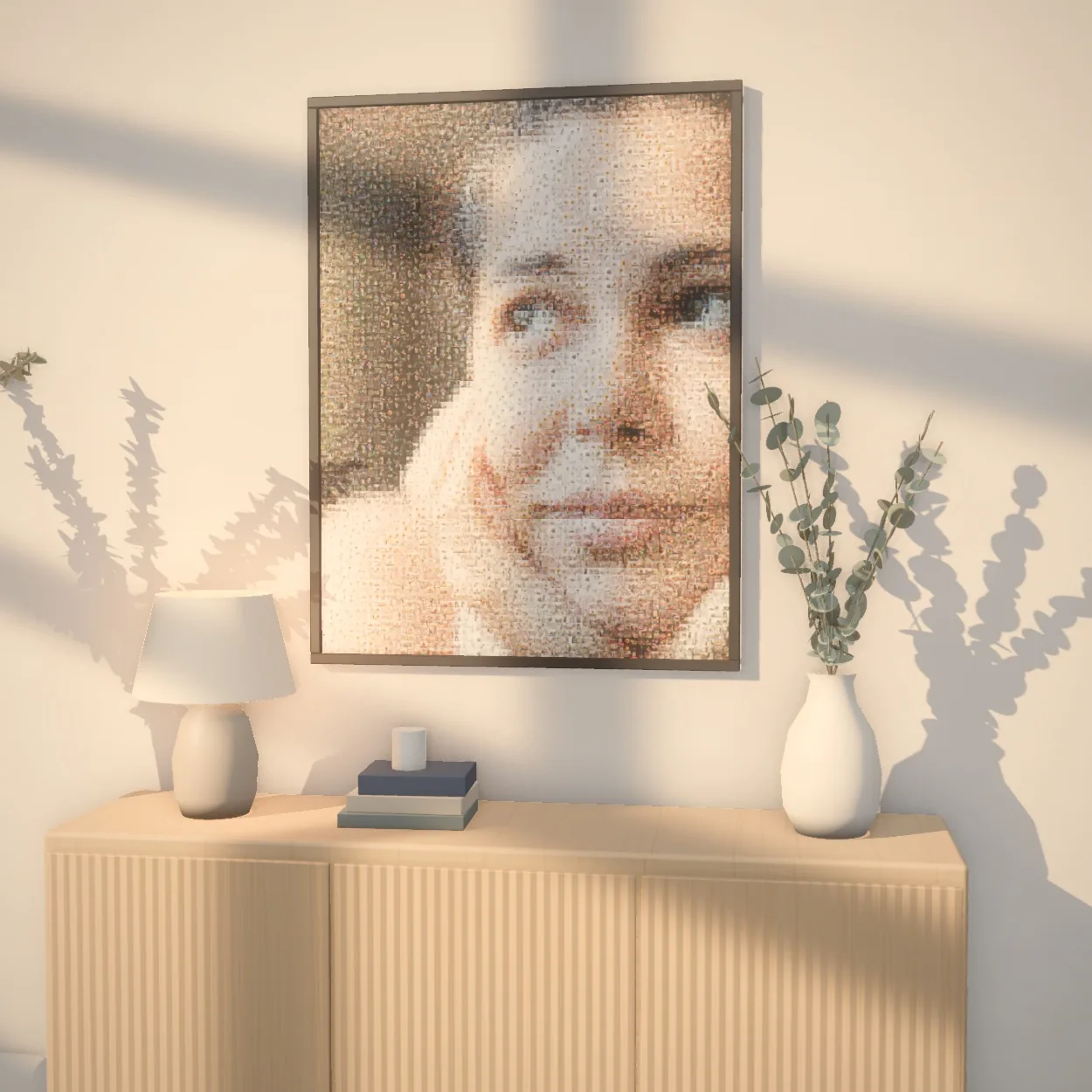
 Up close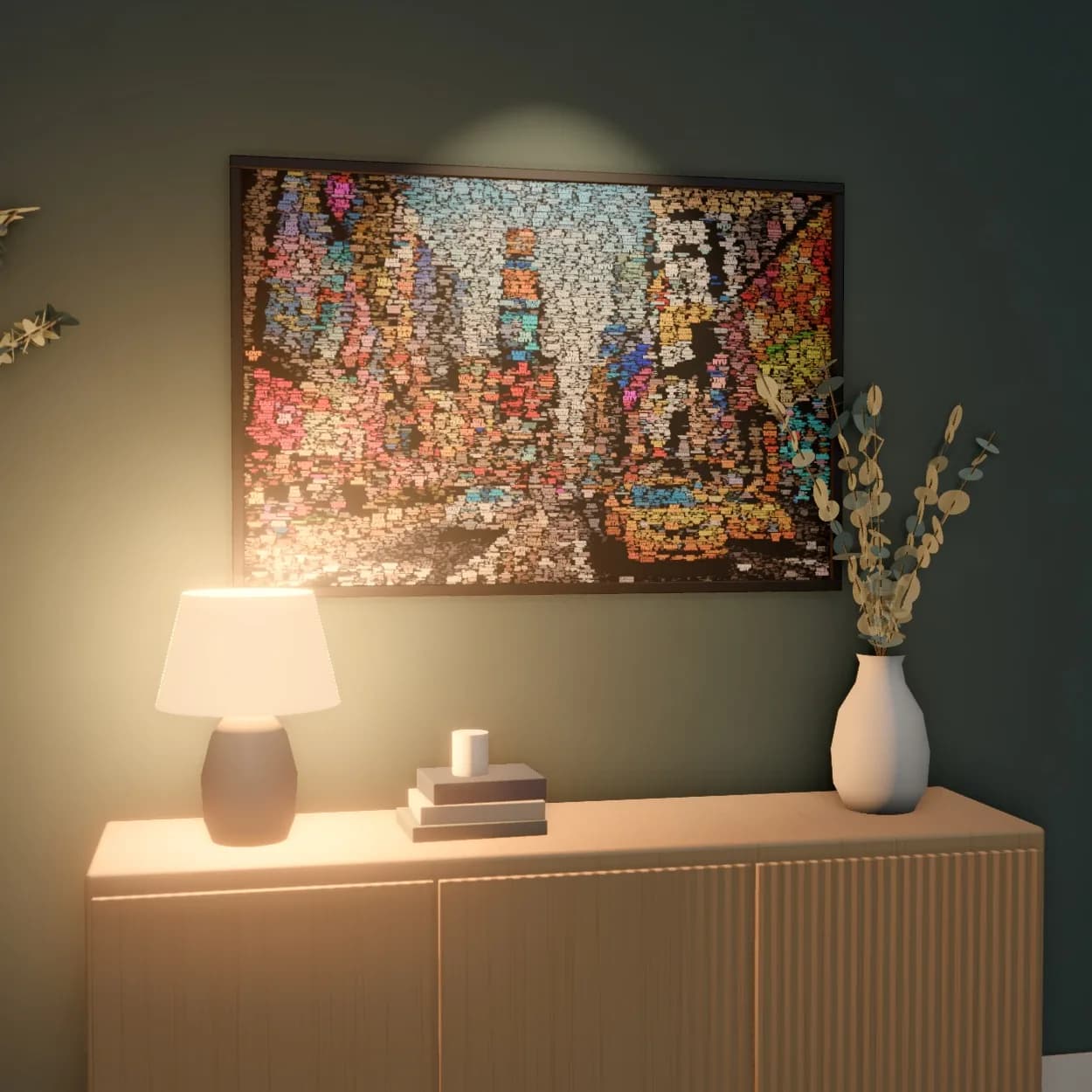
 Up close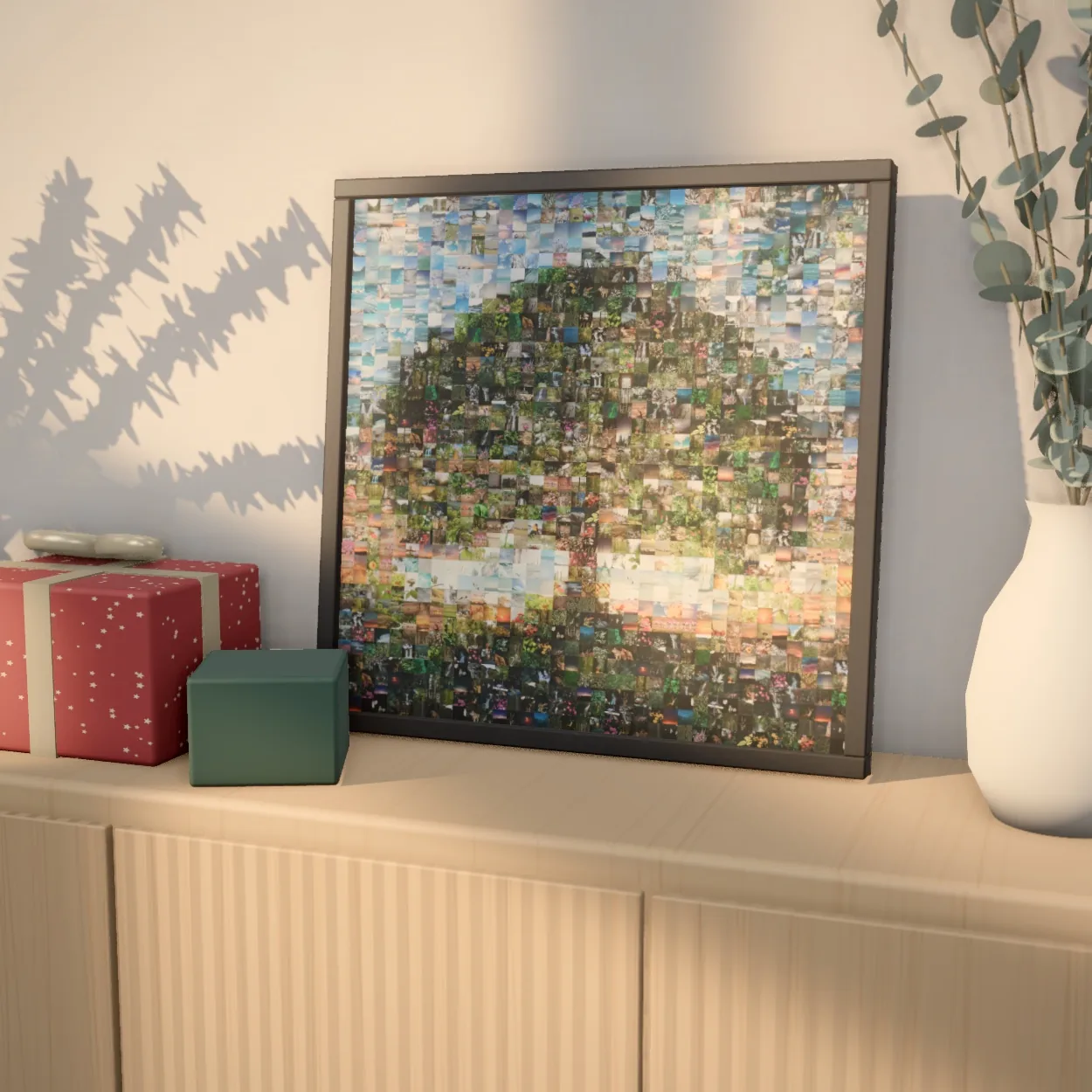
 Up close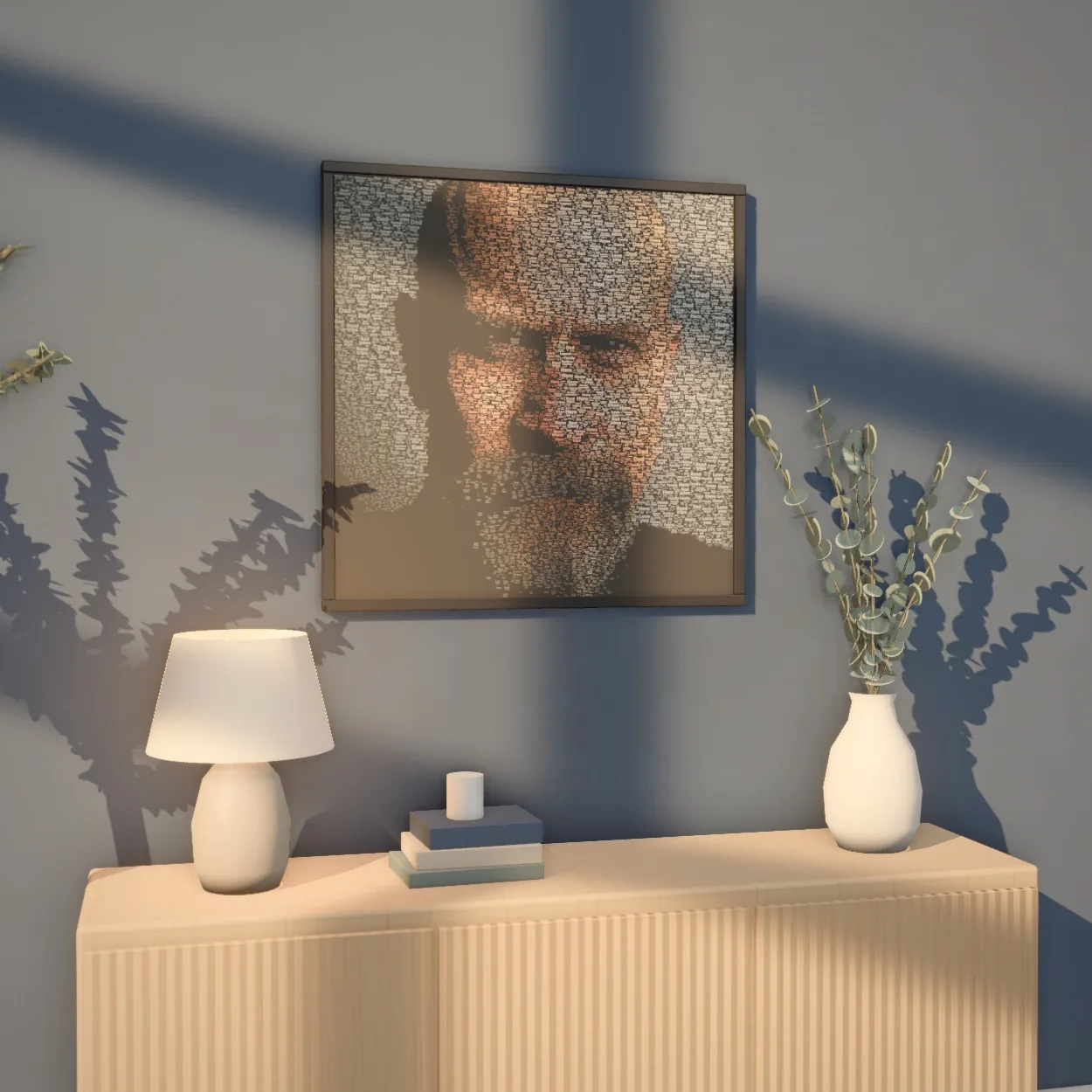
 Up close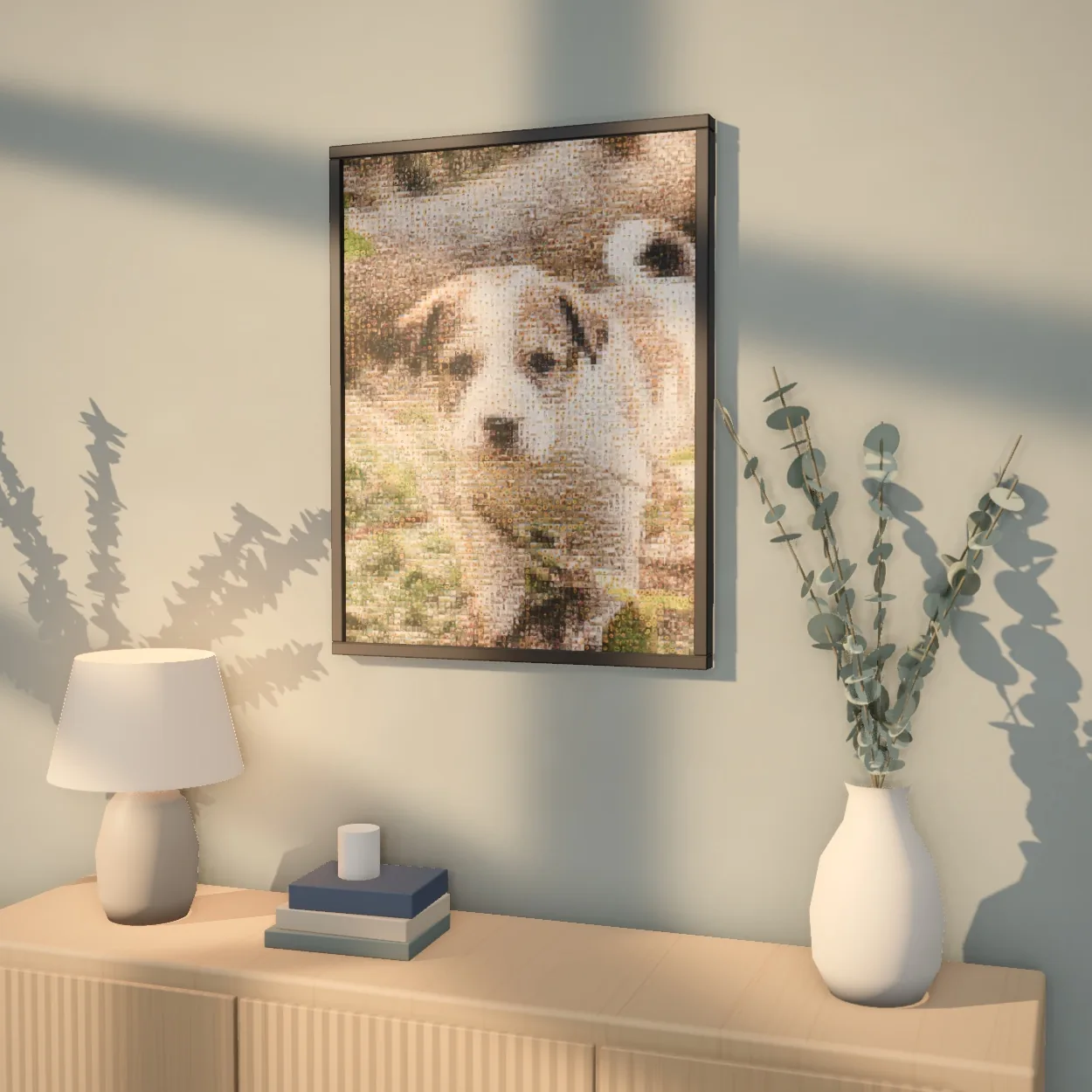
 Up close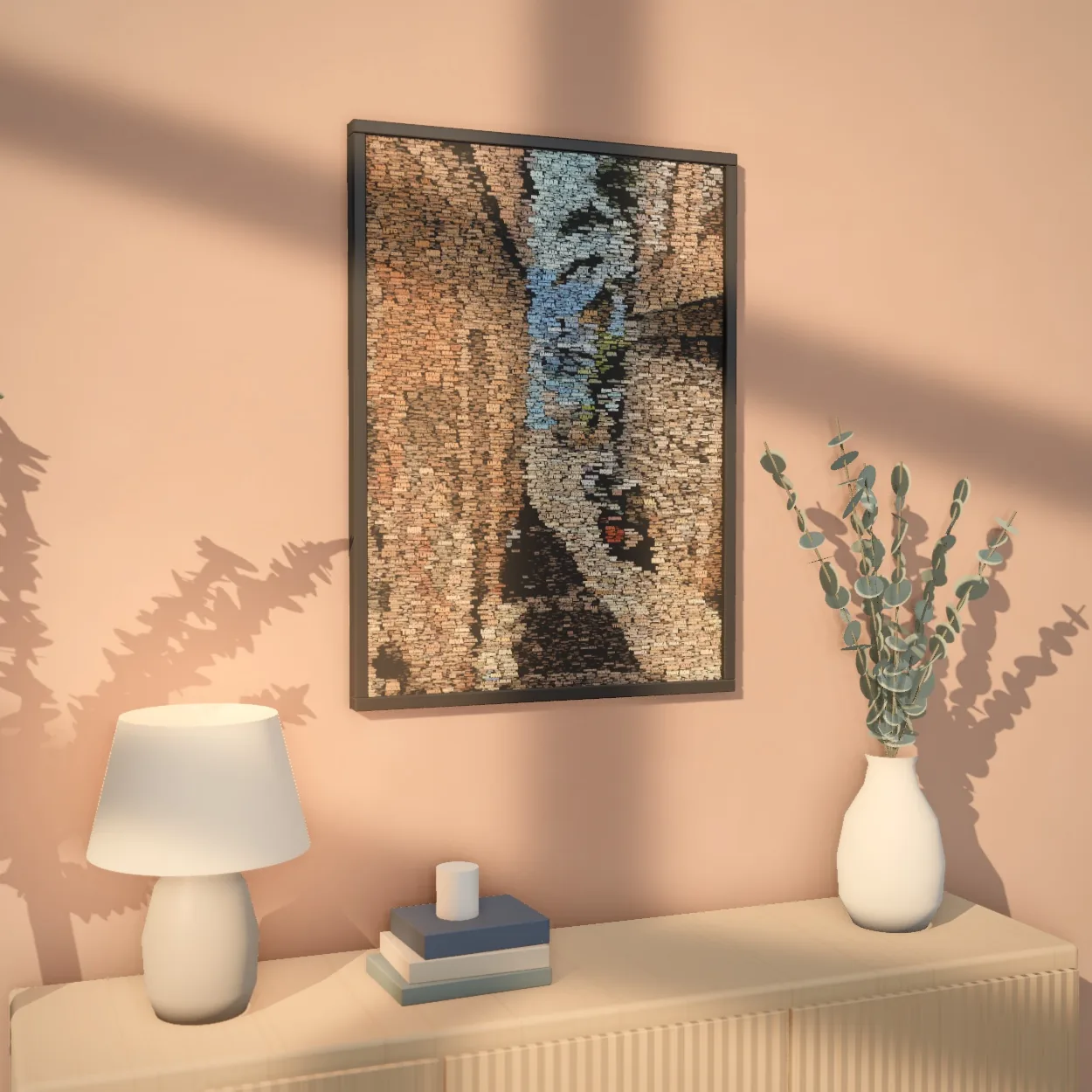
 Up close
Every mosaic exports in print-ready high resolution, at any size.
One photo, three ways to make it
Pick a style and we build your picture from it. Here's the same face, three ways.


One link. Everyone's photos.
A mosaic takes hundreds of photos, and getting them out of other people's phones is the part that stalls. Send one link instead. Everyone adds theirs to it — no accounts, no shared folders, no transfer links that expire before you open them.
Free. Nothing to install, and nobody you send it to needs an account.
Make a link
Name the mosaic and you get a link. That's the whole setup.
Send it to everyone
Friends and family add their photos from their phones, with no app and no account. Each person sees only their own photos and can remove them.
Turn it into a mosaic
Build it yourself in the studio, or send us the link and we'll build it for you.
Before you start
Does everyone need an account?
No. Anyone with the link can add photos, and you don't need one to start either.
How many photos does it need?
A few hundred works well. More photos mean more variety — the mosaic reuses them as needed, so you don't need thousands.
What happens to the photos?
They stay on your link. Anyone holding it can see them and remove them, so only share it with people you'd trust with the photos themselves. If a link is never used, it's deleted along with the photos after 30 days.
What does it cost?
Collecting photos is free. Building the mosaic and previewing it is free too; only the full-resolution download is paid. If you'd rather we build it, sending it in is free for now.
How long does it take if you build it?
We'll email you when it's ready. We make these by hand, so there's no fixed turnaround.
Photo mosaic maker: common questions
What is a photo mosaic?
A photo mosaic is one large picture made from hundreds of smaller photos. From a distance you see the main image, a portrait, a couple or a pet; up close, every tile is a separate photo. Imagia builds it from your own pictures, so every tile is a memory.
How does the Imagia photo mosaic tool work?
Upload one main photo and a collection of tile photos. The tool splits the main photo into cells and places the tile that best matches each one by colour, brightness and detail, then rearranges them to avoid repeats sitting side by side. You see the result live, and can change the layout, detail and colour blend before you download.
Is the photo mosaic maker free?
Creating and previewing a mosaic is free with a free account, and you can try it with your own photo right on this page without signing up. You only pay to download the full-resolution file. There is no subscription.
How many photos do I need?
Around 100 tile photos make a recognisable mosaic, and 300 to 500 give the most detail. Fewer works too; photos then repeat more often. Each photo can also be used only once if you have enough of them.
How big can I print it?
Downloads are print-ready at up to 20,000 pixels on the long side, which is enough for large posters, canvas and framed prints. Each download also comes with a free animated video of the mosaic coming together.
Can friends and family add their photos?
Yes. Create a shared link and anyone can add photos from their phone without an account. You can also run a live group mosaic that fills up on a screen as guests add photos at an event.
How do I turn an image into a mosaic?
Upload the image you want to see from a distance, add your photos as tiles (around 100 or more), and Imagia arranges them by colour and shape so the image appears. Choose a layout, adjust the detail and colour blend while the preview updates live, then download the full-resolution file.
Is it a photo mosaic generator or a mosaic builder?
Both. The generator places every tile automatically in seconds, and you build on that: pick square, portrait, landscape, mixed-size or hexagon tiles, crop individual photos, or use each photo only once.
What else can it make besides photo mosaics?
Word art, a portrait built from words you choose in any language, and stone mosaics in the style of ancient cut-stone tesserae. Word art and stone mosaics need no tile photos at all and can be downloaded as vector PDF or SVG.
Is there a photo mosaic app?
Yes. Imagia works in any browser, and there are apps for iPhone and Android that use the photos already in your gallery.