Turn your photo into art
One photo, three kinds of wall art: a mosaic made of your memories, a portrait made of your words, or a picture laid in stone.
Free to create and preview. Works in the browser, on iPhone and Android.
Most photo-to-art tools apply a filter. Imagia rebuilds the picture: from hundreds of your own photos, from the words you choose, or from thousands of small stones — so the result is something you can print large and look at closely.
Photo mosaic
Your main photo rebuilt from hundreds of smaller photos — from your phone, from friends via a shared link, or from Google Drive. Up close every tile is its own memory; from a distance it is one portrait.
Word art
A portrait drawn entirely from words: names, lyrics, vows, wishes, in any language. Colours come from the photo, and it downloads as vector PDF or SVG for sharp prints at any size.
Stone mosaic
A classic mosaic of cut stone or rounded cobbles made from a single photo, with hearts, flowers and other shapes for something more playful.
Made to hang on a wall
Every style is rendered at print resolution, ready for a framed poster, canvas or large wall piece — a personalised gift for weddings, birthdays, anniversaries, new babies, pets and memorials.
Made to be displayed
A finished mosaic is a real piece of art — the centerpiece of a lobby, an unforgettable gift, or a mural people gather around.
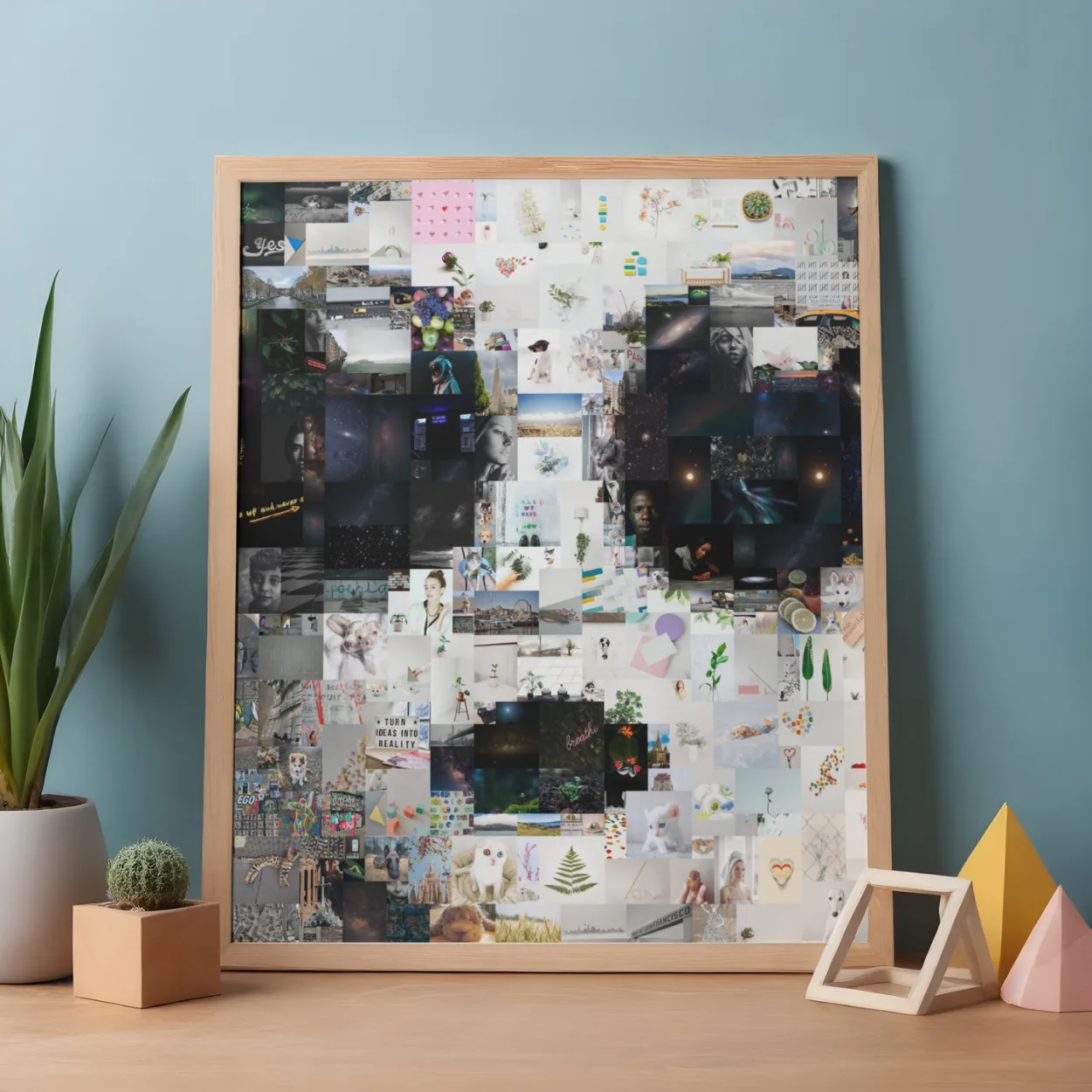
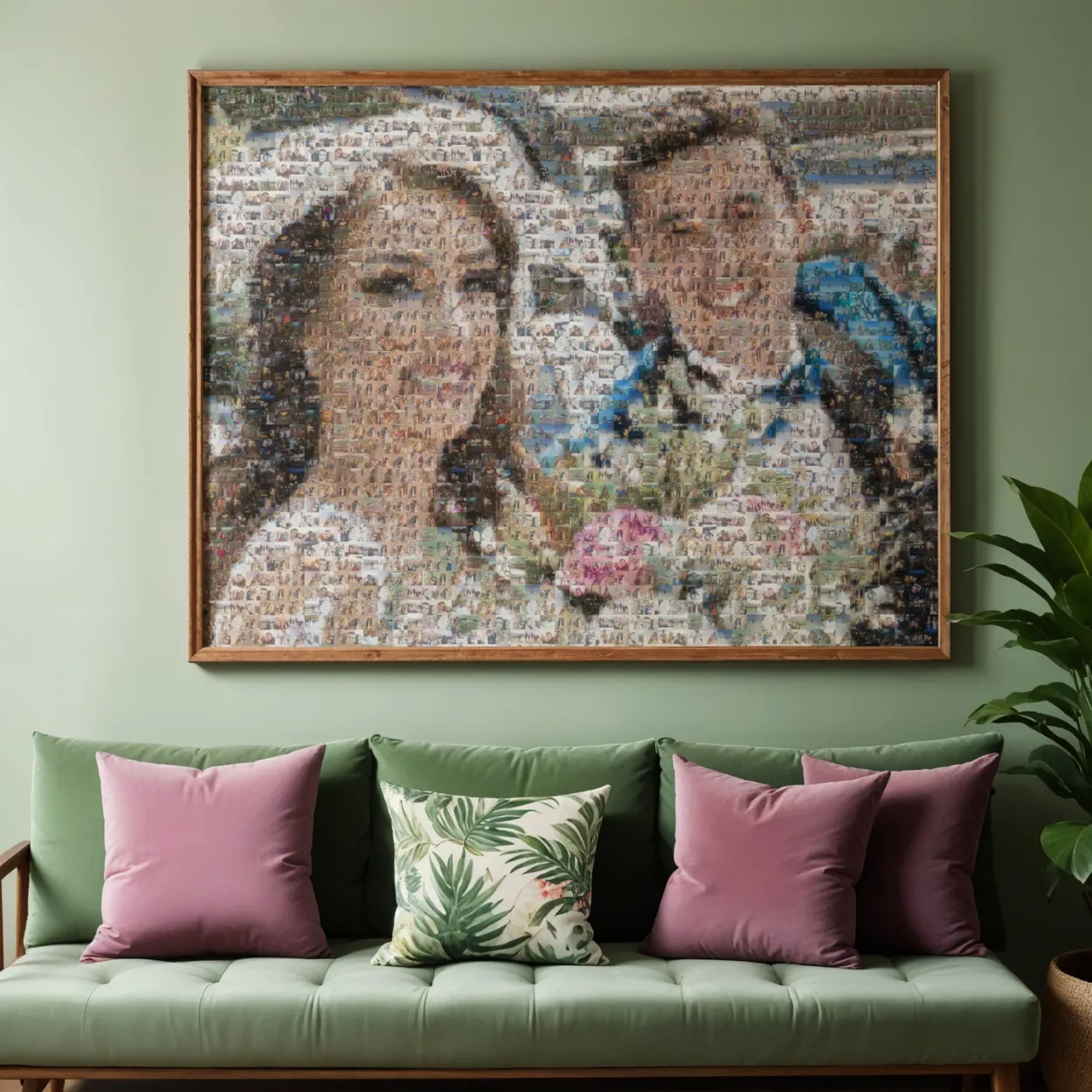
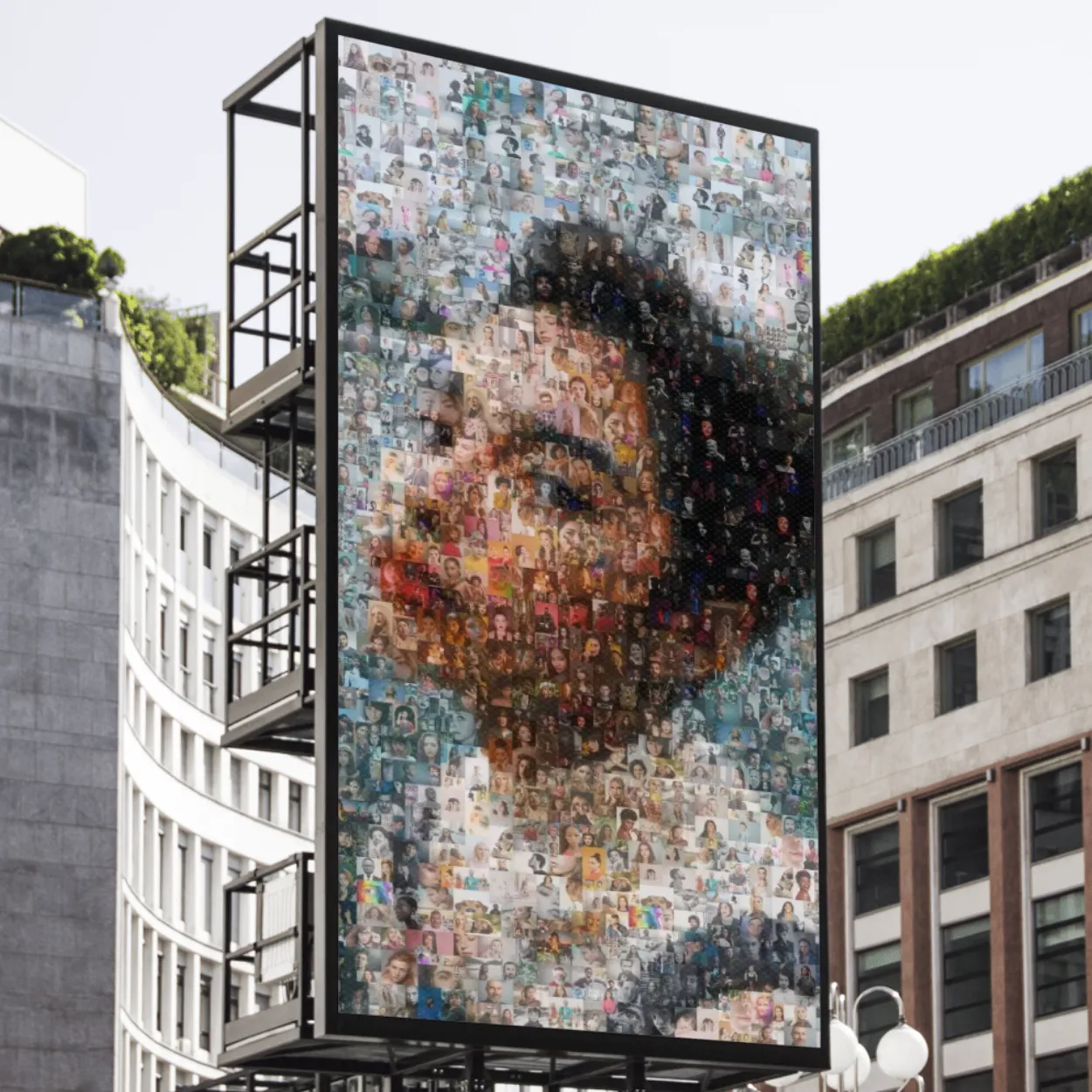
Every mosaic exports in print-ready high resolution, at any size.
Common questions
How do I turn a photo into art online?
Upload a photo in the studio, pick photo mosaic, word art or stone mosaic, adjust the look and download the high-resolution file.
Is it free?
Creating and previewing is free in every style. You pay only to download the full-resolution file.
Can I print the result?
Yes. Every style is made at print resolution, and word art and cut stone also export as vector files.