
The best photo mosaic makers, compared
Six photo mosaic tools side by side: online, desktop and mobile. What each one is good at, what's free and what you pay for, so you can pick the right one in five minutes.
Every tool here needs the same thing from you: one main photo and ideally 100+ tile photos.
Full disclosure: we make Imagia, one of the tools below. We've tried to describe every tool fairly, including where another one is the better choice. Details are as each tool presented itself in October 2026; check their sites for current prices.
At a glance
All six make true photo mosaics, where every tile is one of your real photos, not a filter that imitates the look. They differ in where they run, how much control they give you, and what you pay for.
| Tool | Runs on | Free to create? | What you pay for | Best for |
|---|---|---|---|---|
| Imagia | Web, iPhone, Android | Yes, with a free account | Full-resolution download, per mosaic. No subscription | Your own photos on any device, collecting photos from a group, word art and stone mosaics |
| Mosaically | Web | Yes | High-resolution downloads and prints | Sharing and collaborating with family and community |
| EasyMoza | Web (works in phone browsers) | Yes, no account needed | High-resolution files, prints, video | A quick online mosaic with print delivery in Europe |
| Picture Mosaics | Web, iPhone, Android | Yes, with their online tool | Digital files, prints, design service | Professional prints and large event or brand installations |
| AndreaMosaic | Windows, macOS, Linux | Yes, standard version | Professional version for very large mosaics | Maximum control and huge photo collections on a computer |
| TurboMosaic | Mac, Windows | Lite version on Mac (exports are watermarked) | Full editions, annual subscription | A desktop workflow and very large prints |
Online or desktop?
Online tools (Imagia, Mosaically, EasyMoza, Picture Mosaics) need no installation and work on any computer or phone. They suit most people: a gift, a wedding piece, a family portrait.
Desktop programs (AndreaMosaic, TurboMosaic) run on your own computer. They shine with tens of thousands of photos or gigapixel prints, and give you more settings, but you need a computer, and you have to get every photo onto it first.
What makes a photo mosaic look good
The difference between tools shows up close. A good matcher compares each tile with the shape and light of the spot it lands in, not just its average colour, and avoids putting the same photo next to itself. A light colour blend with the main photo helps the big picture read from a distance, but too much turns your photos into tinted squares.
Use the preview to zoom in before you pay. If you can't recognise the people in the tiles, lower the blend or use bigger tiles.
Where Imagia is different
Imagia works the same in the browser and in its iPhone and Android apps, and one project carries over between them, so you can start from your camera roll and finish on a big screen. A shared link lets friends and family add photos from their phones without an account, and a live group mosaic can fill up on a screen during an event.
Besides photo mosaics it makes word art, a portrait from words in any language, and stone mosaics in the style of ancient cut-stone tesserae, both exportable as vector PDF or SVG. Downloads are print-ready up to 20,000 px with a free animated video of the mosaic assembling.
When another tool is the better pick
If you want a ready-made physical print shipped to you with a design service, Picture Mosaics specialises in exactly that. If you work offline with an enormous archive and want every setting, AndreaMosaic's free version is hard to beat. If you already use a Mac or PC desktop workflow, TurboMosaic fits it.
A note on "AI mosaic" generators
Some image apps offer a mosaic effect that redraws your photo in small coloured squares or tiles. That looks like a mosaic, but it isn't made of your photos. If the point is to find your memories when you walk up to it, you want a true photo mosaic tool like the ones above.
Made to be displayed
A finished mosaic is a real piece of art — the centerpiece of a lobby, an unforgettable gift, or a mural people gather around.
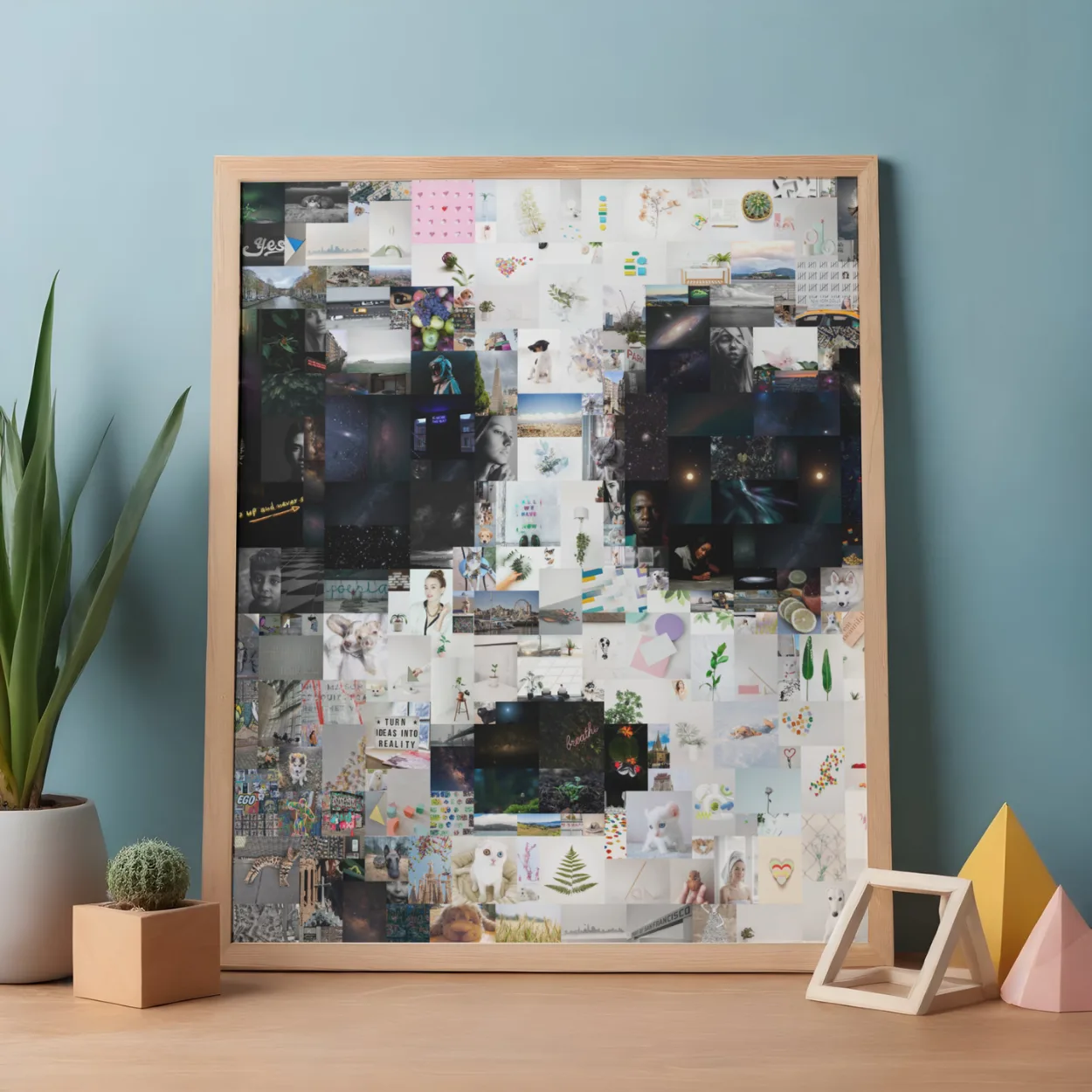
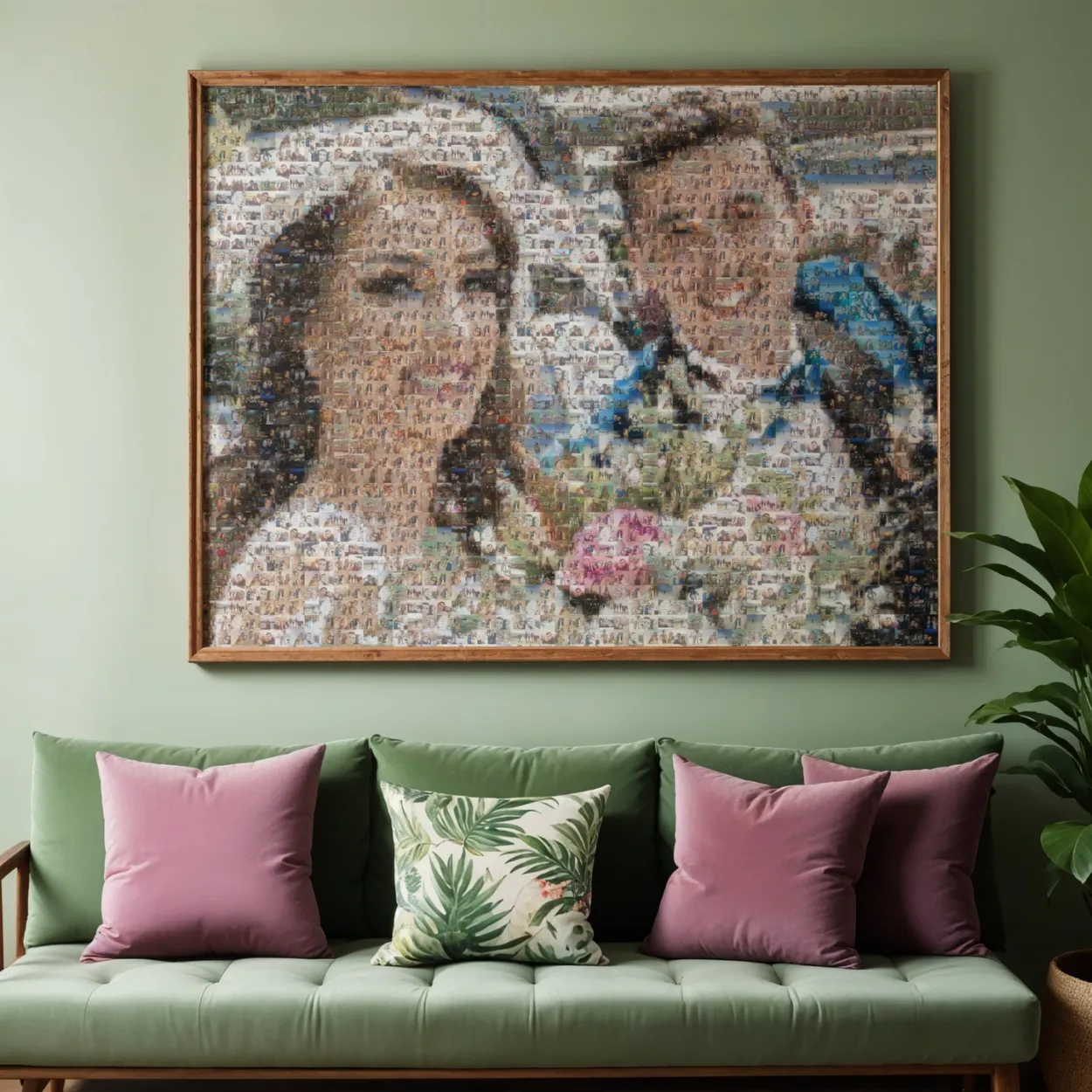
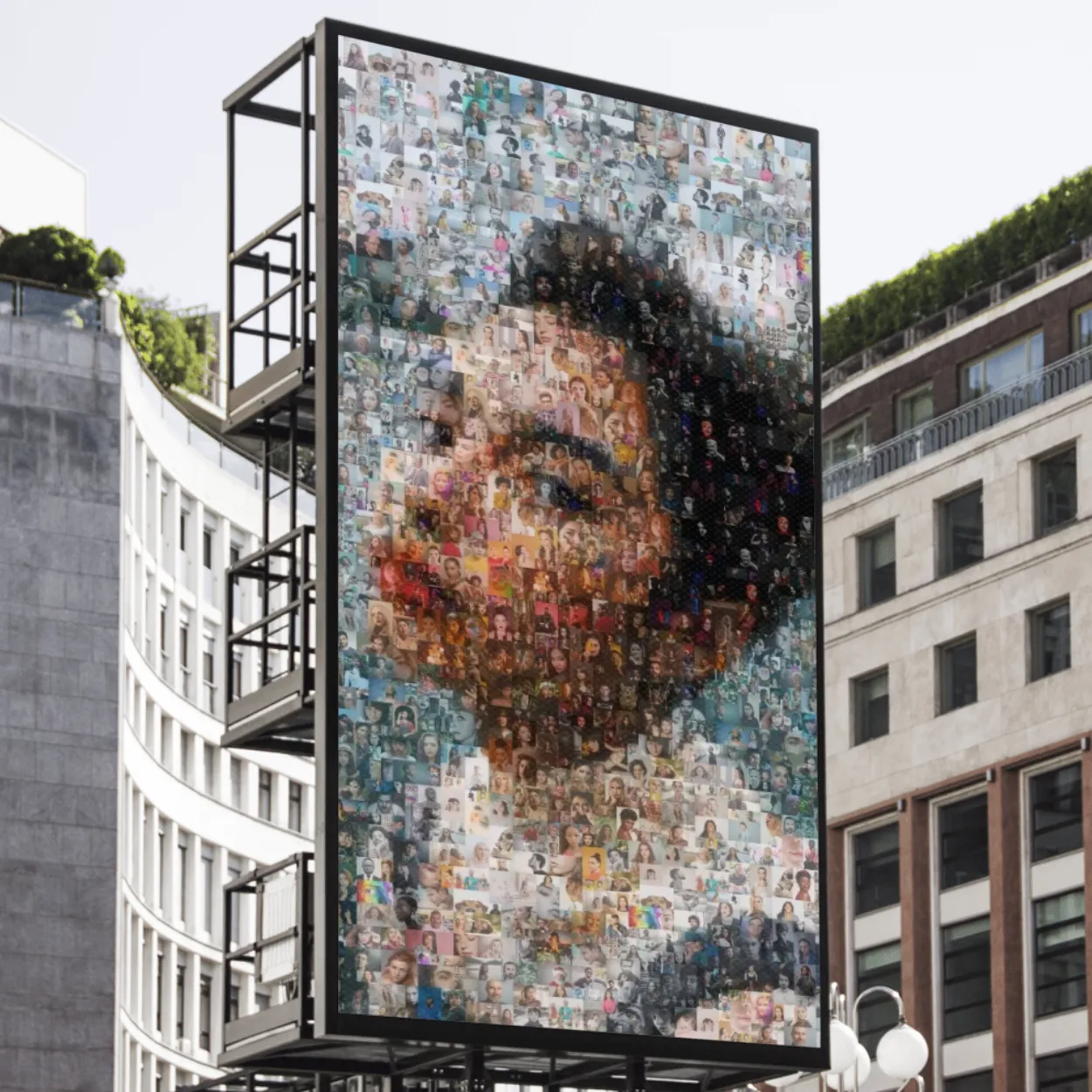
Every mosaic exports in print-ready high resolution, at any size.
Common questions
What is the best free photo mosaic maker?
For most people an online tool is easiest: Imagia, Mosaically, EasyMoza and Picture Mosaics all let you create and preview for free and charge only for high-resolution files or prints. For a free desktop program, AndreaMosaic's standard version is the usual choice.
Which photo mosaic tool works on a phone?
Online tools work in a mobile browser. Imagia and Picture Mosaics also have apps for iPhone and Android. The desktop programs, AndreaMosaic and TurboMosaic, need a computer.
Can I make a photo mosaic with photos from several people?
Yes. In Imagia you share one link and everyone adds their photos from their own phone, without an account.
How many photos do I need?
Around 100 for a recognisable mosaic, 300 to 500 for the best detail, whichever tool you use.