A picture made of words
Choose a photo, write the words that belong to it, and Imagia builds the image out of them. From across the room you see the picture; up close you read every word.
One photo and a few words is all it takes. Free to create and preview.
An image made of words (sometimes called a text portrait, typographic portrait or calligram) draws a photo using words instead of pixels or brush strokes. Imagia does it automatically: it reads where your photo is bright, dark and detailed, and fills those areas with your words in the colours of the original.
How to make a picture out of words
1. Pick a photo with one clear subject: a face, a couple, a pet, a building. Close-ups work best, because the words have to carry the shape of the subject.
2. Type your words, one phrase per line, or paste a whole list at once: names, places, dates, song lyrics, a poem, the things you always say to each other. Every phrase is used many times, in different sizes.
3. Adjust the look. Choose how dense the words are, how much they rotate with the shape of the picture, light words on a dark ground or dark on light, and how vivid the colours are. Shuffle until you like the arrangement, and add a title if you want one.
4. Download it as a high-resolution JPEG, or as a vector PDF or SVG for printing at any size.
Picture made of words vs a word cloud
A word cloud generator drops words into a flat silhouette, like a heart or the outline of a country, usually in a few fixed colours. It shows a shape, not a picture.
A picture made of words keeps the photo itself. The words follow the light and shadow of the image, so you can recognise a specific person by their face, not just their outline, and the colours come from the photo: skin tones, the colour of the eyes, the sky behind them.
| Word cloud | Picture made of words (Imagia) | |
|---|---|---|
| Starts from | A shape or silhouette | Your photo |
| What you recognise | The outline | The actual person, pet or place |
| Colours | A chosen palette | Taken from the photo |
| Word placement | Fills the shape evenly | Follows the light, shadow and direction of the image |
| Print files | Usually an image | High-res JPEG, or vector PDF and SVG |
Which words to use
The best pictures made of words are personal. For a wedding: the couple's names, the date, the vows, the names of the guests. For a birthday: the places, people and moments from every decade. For a memorial: the words people used to describe them. For a pet: every nickname it has ever had.
Any language and script works, and you can mix them in one picture: Latin, Cyrillic, Greek, Arabic, Hebrew, Chinese, Japanese, Korean and more. Want the picture built from photos instead of words? That's a photo mosaic.
Turn words into art you can hang
Word art looks best big, where people can step close and start reading. The vector PDF and SVG stay perfectly sharp at any size, so you can print it as a poster, a canvas or a large framed piece. You can also make a short video of the picture appearing, ready for Instagram or TikTok.
Made to be displayed
A finished mosaic is a real piece of art — the centerpiece of a lobby, an unforgettable gift, or a mural people gather around.
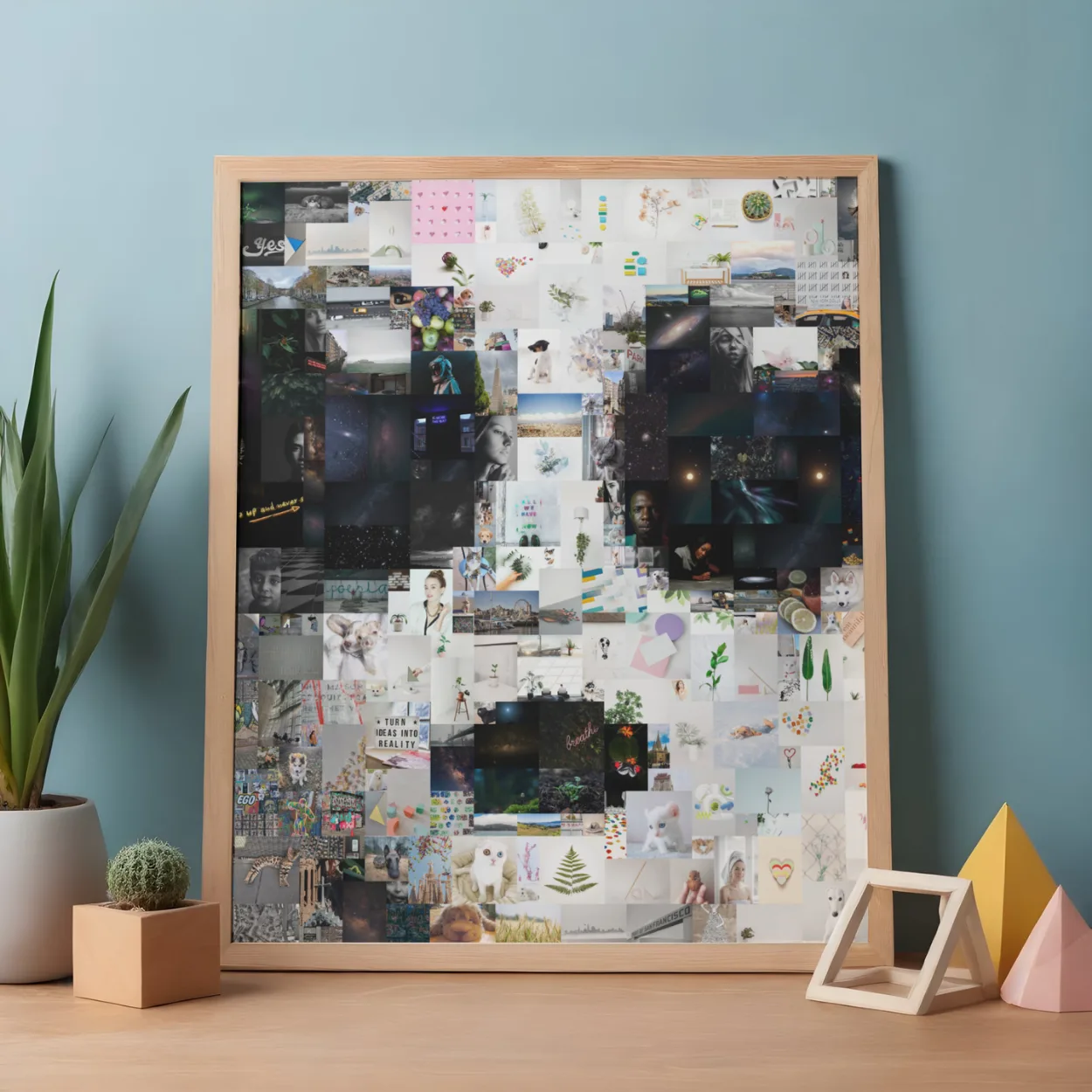
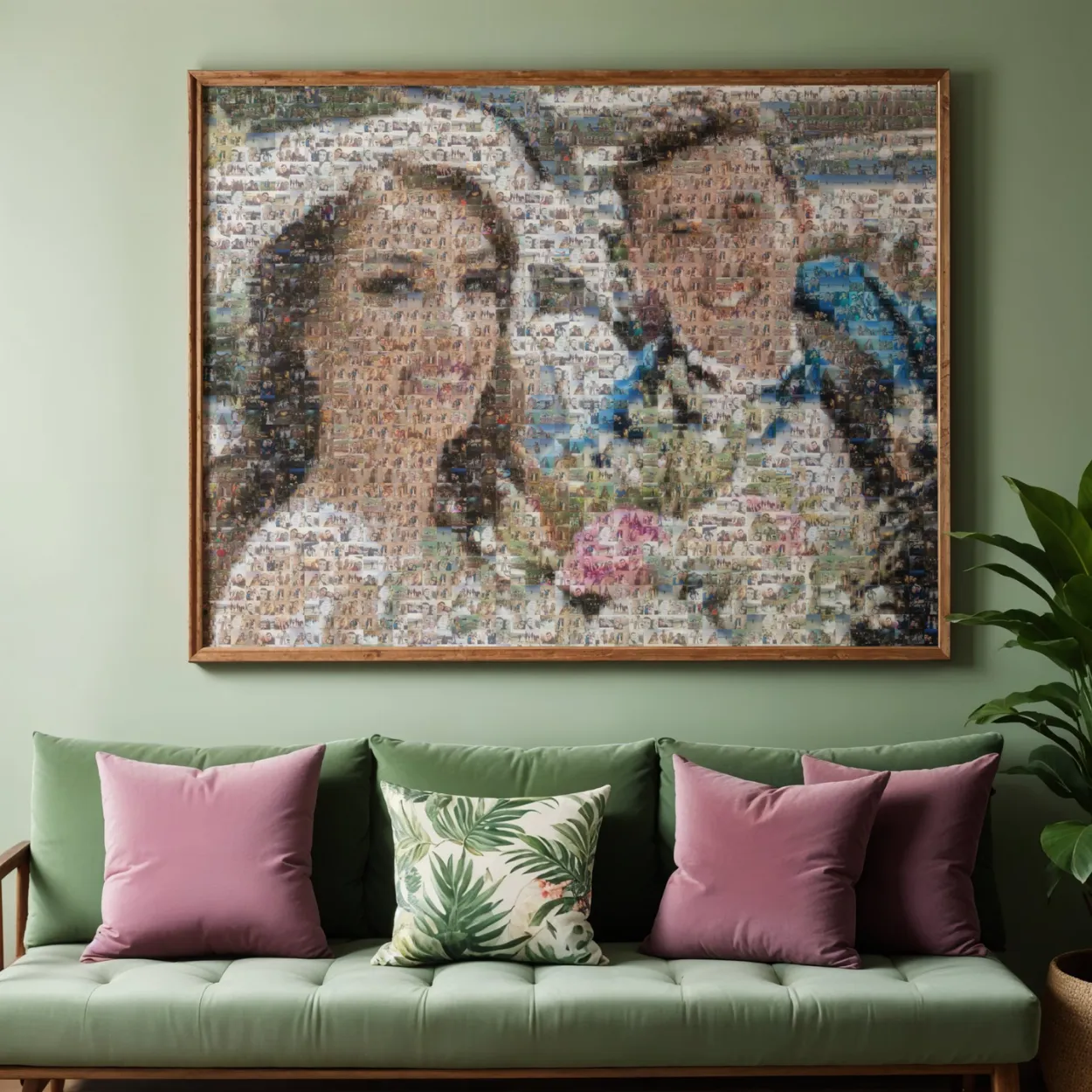
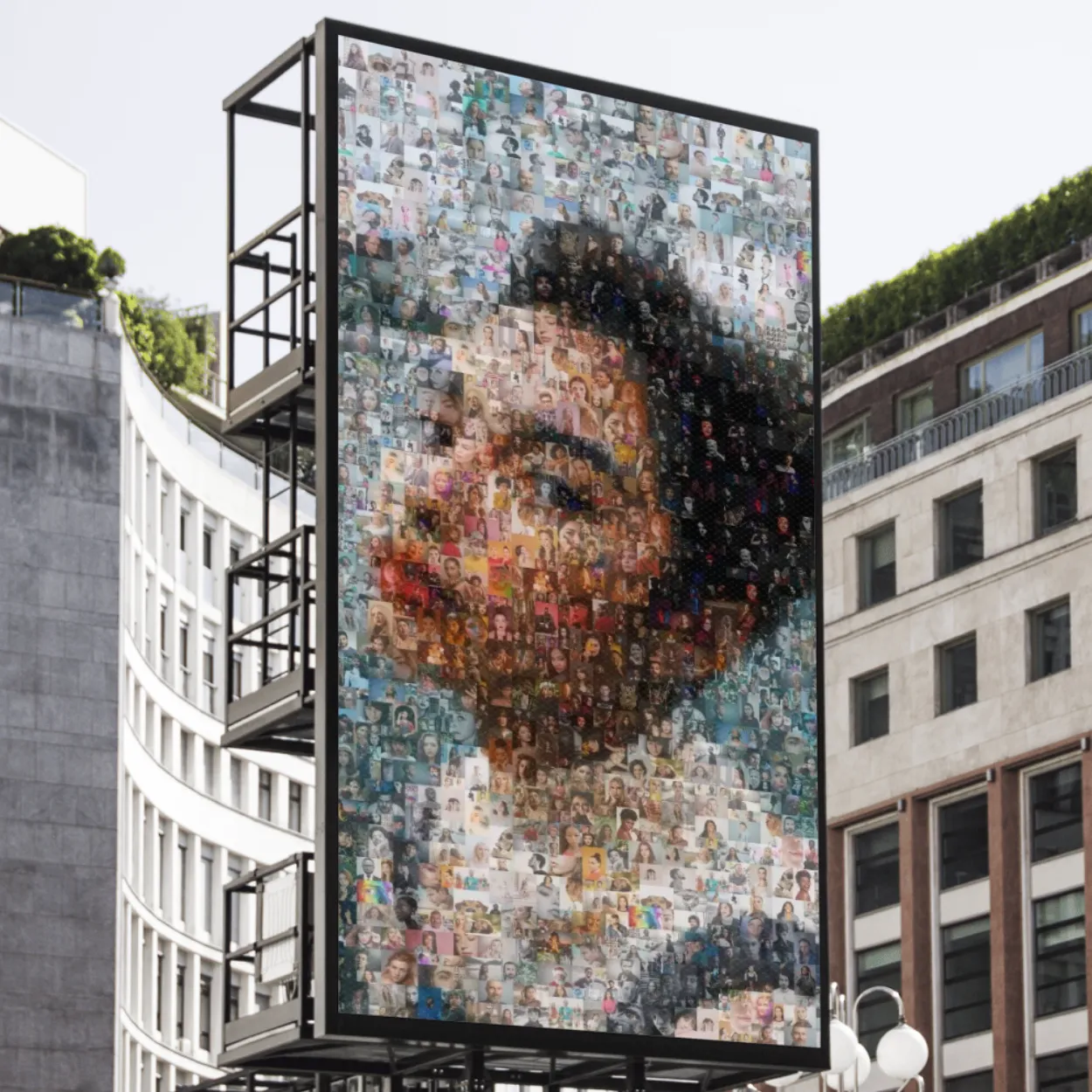
Every mosaic exports in print-ready high resolution, at any size.
Common questions
What is a picture made of words called?
It goes by several names: word art, a text portrait, a typographic portrait or a calligram. They all mean an image drawn with words instead of lines or pixels.
Can I turn any photo into a picture made of words?
Yes, any photo works, but a clear subject with good light gives the most recognisable result. Close-up portraits of people and pets are the most popular.
How many words do I need?
A few are enough, because they are repeated in different sizes. Ten to fifty phrases gives the richest, most personal result.
Is there a free picture with words generator?
Imagia is free to create and preview: you can try as many photos, words and styles as you like. You only pay to download the full-resolution JPEG or vector file.
Can I make it on my phone?
Yes. It works in the browser on any phone or computer, and in the Imagia app for iPhone and Android.